
How it works
One visit, one phone, and the client has their new joinery on their own house before you’re back at the office.
- 1
Photograph the house
On the visit, walk around and take a photo of each side you’re quoting. The app works with no signal and sends everything when you’re back in range.
- 2
Tap each window and door
Mark every opening and choose the product, colour and glass from your own range. Reps only see what your business sells.
- 3
We make the pictures
Each view comes back showing the new joinery, closed and then open. You check them before anything goes to the client.
- 4
Send it to the client
Text or email a private link. They see their own house with your logo, and can book a measure-up or tell you to go ahead.
- 5
Know when they look
You’re told when the client opens the page, downloads the PDF or taps a button, so you call at the right moment.
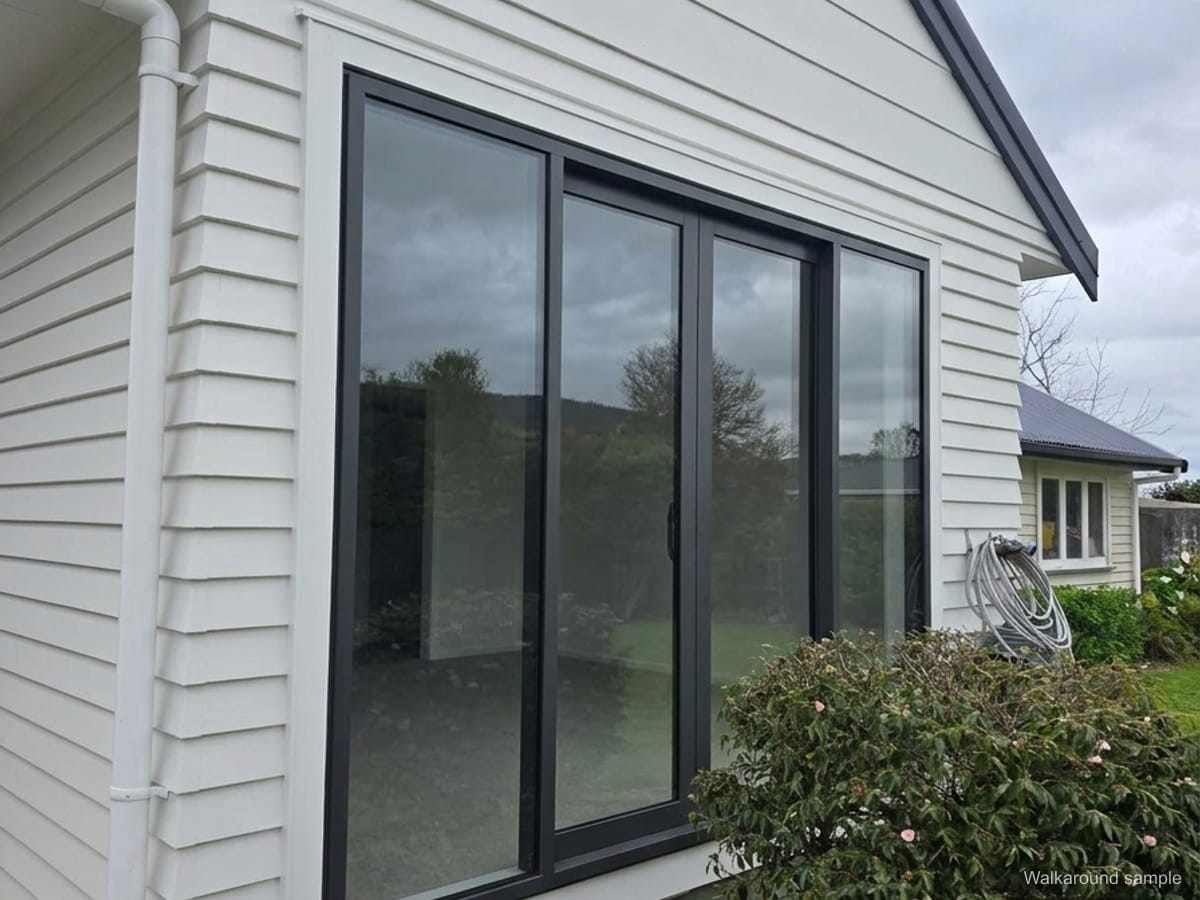
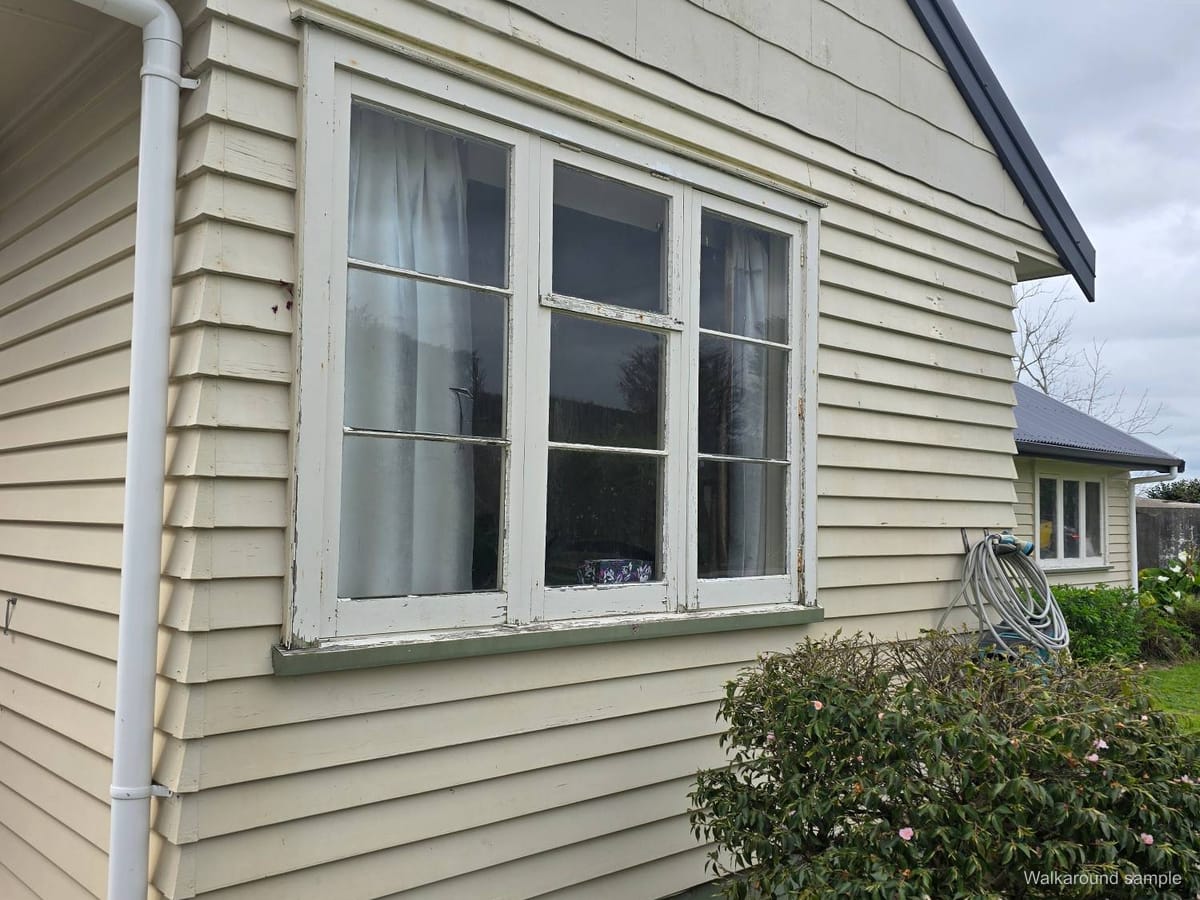
Drag to compare. Switch to Open to see the slider open.
See what the client gets →Setup done for you
We load your catalogue, colours and logo.
Private by default
Each client gets their own link. Nothing goes in a public gallery.
Any phone or tablet
Runs in the browser. Add it to the home screen like an app.
One more yes pays for the year
Your first 5 houses are on us. No contract, cancel any time.